
WordPress SEO Tips for Beginners: The Ultimate Guide to Ranking Higher in 2026
Introduction
Starting a WordPress website is easy, but getting visitors from search engines is often the biggest challenge. Many beginners publish content regularly and still struggle to attract traffic because they overlook basic SEO practices. The good news is that you don’t need advanced technical skills to improve your rankings.
In this guide, you’ll learn WordPress SEO Tips for Beginners that are simple, practical, and easy to implement. These strategies focus on creating a better experience for both users and search engines while helping your website gain long-term visibility.
Understanding SEO Before You Optimize
SEO, or Search Engine Optimization, is the process of improving your website so search engines can better understand and rank your content.
Why SEO Matters
When your pages rank higher in search results, more people discover your content naturally. Unlike paid advertising, organic traffic can continue generating visitors for months or even years after publishing a post.
How Search Engines Evaluate Content
Search engines consider factors such as:
- Content quality
- User experience
- Page speed
- Mobile responsiveness
- Internal linking
- Backlinks
Focusing on these areas creates a strong foundation for long-term growth.
WordPress SEO Tips for Beginners That Deliver Results
Choose an SEO-Friendly Theme
Your theme affects loading speed, mobile responsiveness, and overall website performance.
Look for a theme that:
- Loads quickly
- Works well on mobile devices
- Receives regular updates
- Has clean code
Avoid themes packed with unnecessary features that slow down your site.
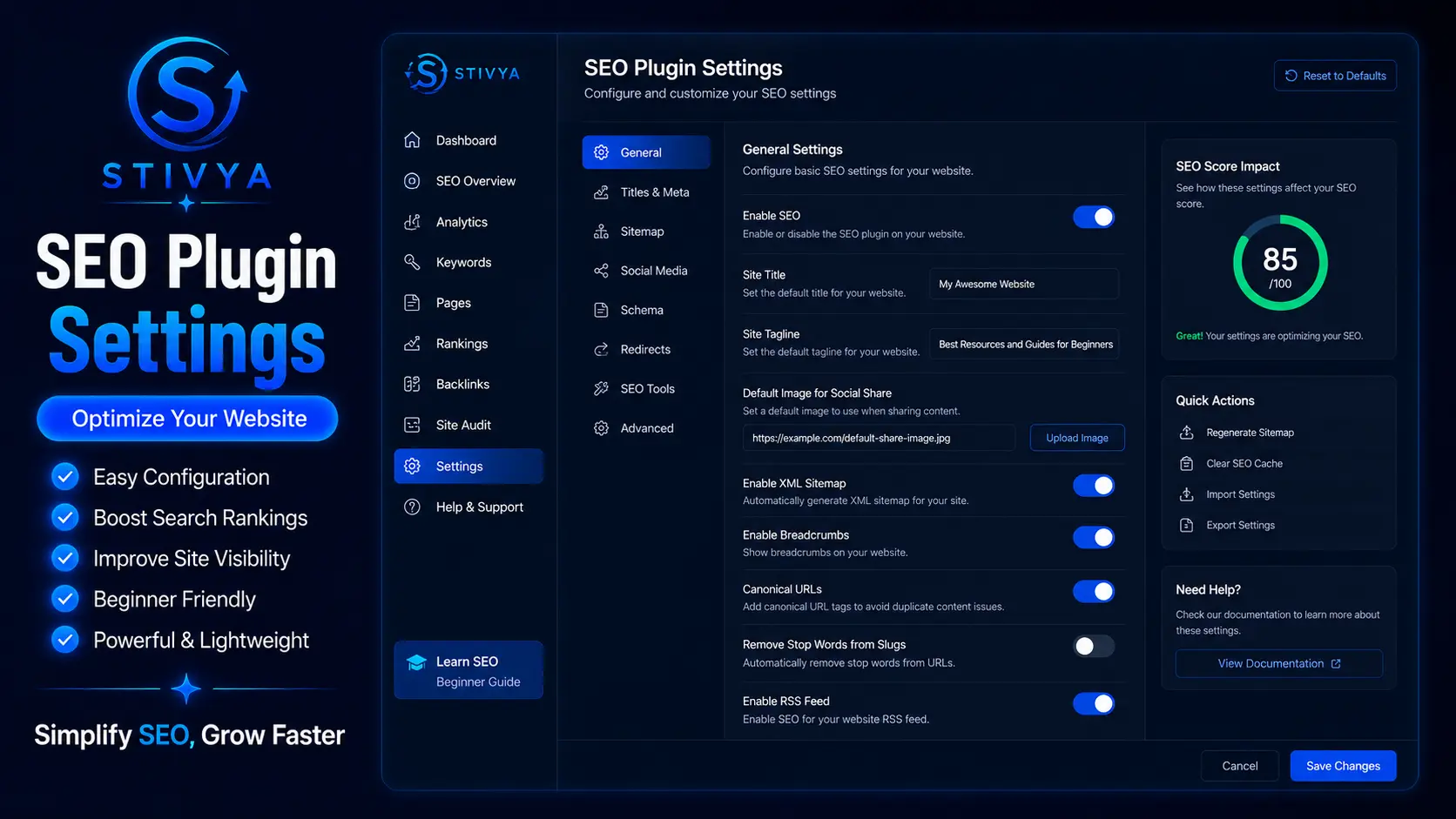
Install a Reliable SEO Plugin
SEO plugins help manage:
- Meta titles
- Meta descriptions
- XML sitemaps
- Schema markup
Popular options include beginner-friendly tools that guide optimization without requiring technical knowledge.
Create Content That People Actually Want to Read
Many beginners focus only on keywords and forget the reader.
Answer Real Questions
Before writing, think about:
- What problem is the reader facing?
- What solution are they searching for?
- What information would genuinely help them?
Helpful content naturally performs better than content written only for search engines.
Write Clear and Organized Articles
Break content into:
- Short paragraphs
- Descriptive headings
- Bullet points
- Numbered lists
This improves readability and keeps visitors engaged longer.
Keep Language Simple
Avoid complicated terms when simple explanations work better. Readers appreciate clarity more than technical jargon.
Optimize Your Content Correctly
Use Keywords Naturally
One common mistake is repeating the same keyword excessively.
Instead, place your keyword naturally in:
- Title
- Introduction
- Headings
- Main content
- Conclusion
Overusing keywords can make content sound unnatural.
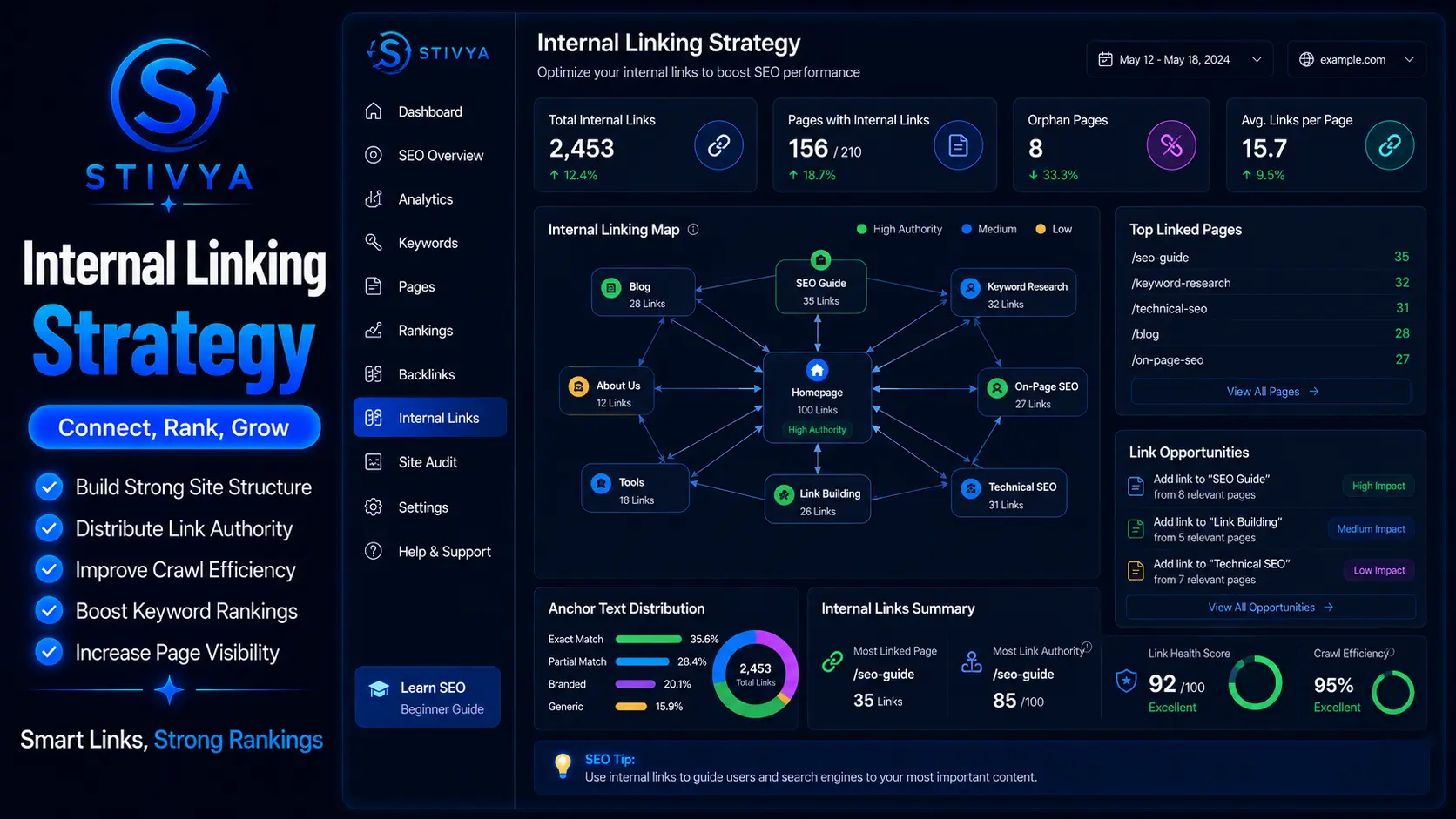
Improve Internal Linking
Internal links help visitors discover more content on your website.
For example, if you have articles about:
- WordPress plugins
- Website speed
- Blogging tips
Link them together where relevant.
This helps both readers and search engines navigate your website.
Improve Website Speed for Better Rankings
Website speed directly affects user experience.
Optimize Images
Large images can slow down your site significantly.
Best practices:
- Compress images before uploading
- Use modern formats
- Resize oversized images
Use Caching
Caching reduces server workload and helps pages load faster.
Choose Quality Hosting
Reliable hosting improves:
- Speed
- Security
- Uptime
A good hosting provider can make a noticeable difference in performance.
In fact, many successful bloggers follow these WordPress SEO Tips for Beginners because website speed often influences both rankings and user satisfaction.
Make Your Website Mobile Friendly
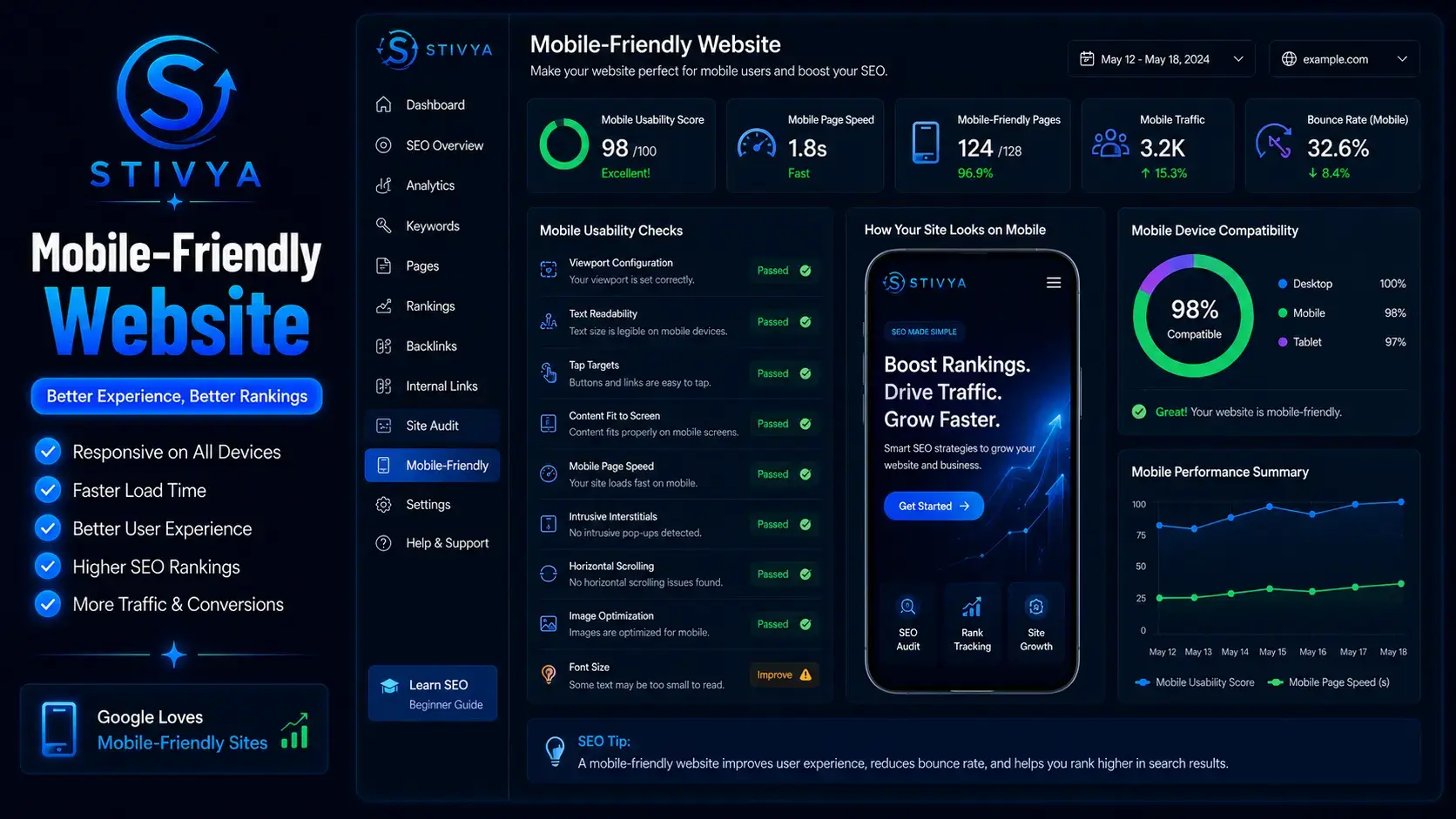
Most visitors now browse from smartphones.
Test Mobile Experience
Check:
- Text readability
- Button sizes
- Navigation menus
- Page speed
Avoid Mobile Frustrations
Users quickly leave websites that are difficult to use on smaller screens.
A smooth mobile experience increases engagement and reduces bounce rates.
Monitor Your SEO Performance
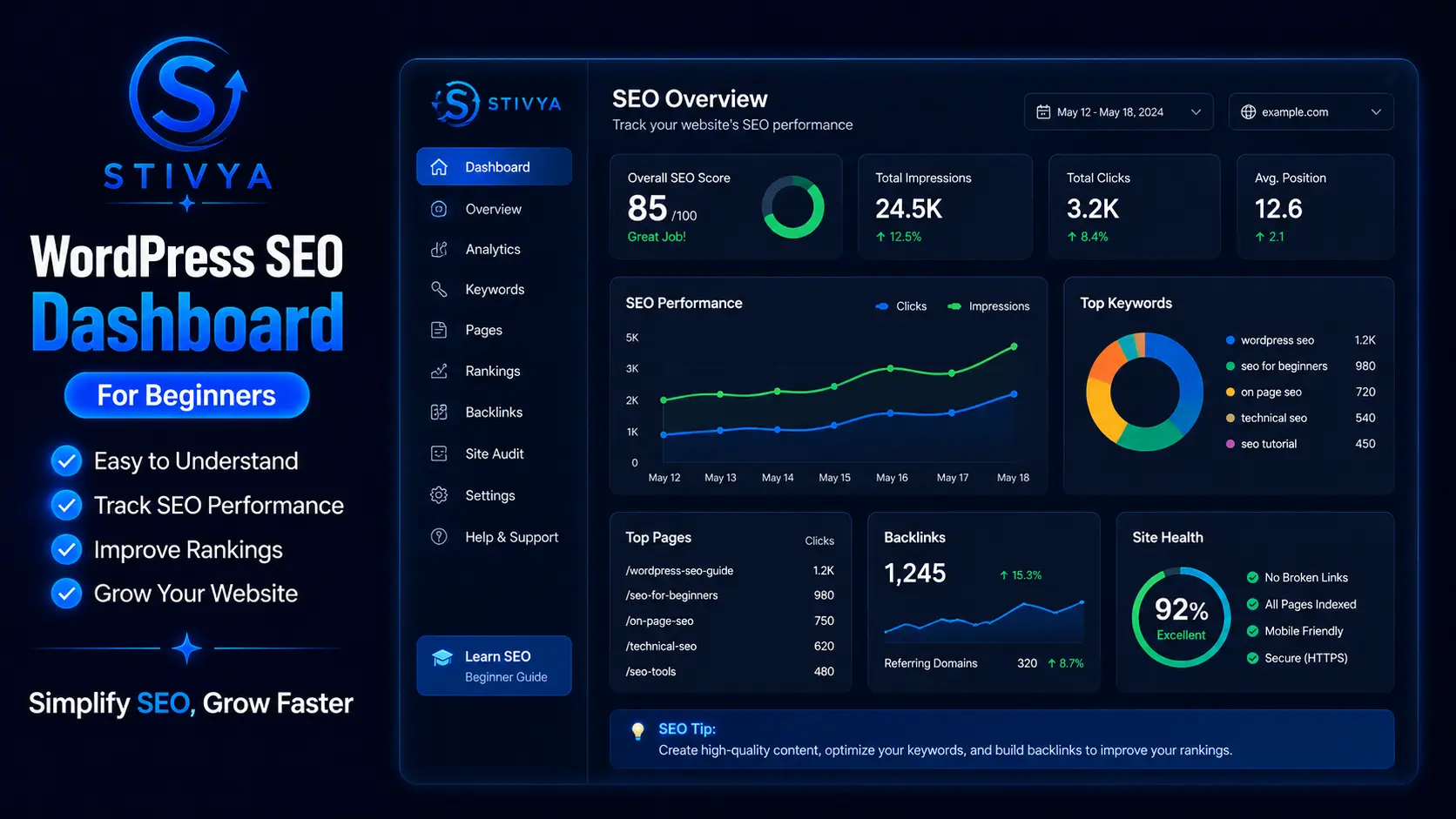
Publishing content is only one part of SEO. To improve your rankings over time, you need to measure how your website is performing. Tracking results helps you understand what is working and where improvements are needed.
Track Important Metrics
Some of the most important SEO metrics include:
- Organic traffic
- Keyword rankings
- Click-through rate (CTR)
- Bounce rate
- Average session duration
Reviewing these metrics regularly allows you to identify successful pages and optimize underperforming content. Small improvements based on data can often lead to significant growth over time.
Update Existing Content
Many website owners focus only on publishing new articles, but updating old content can be just as effective.
When updating older posts:
- Refresh outdated information
- Add new examples
- Improve headings and structure
- Add internal links
- Replace low-quality images
Keeping content current shows search engines that your website remains relevant and valuable to users.
Build Authority and Trust
Publish Consistently
Consistency helps build trust with readers and search engines.
Create a realistic publishing schedule and stick to it.
Earn Quality Backlinks
Backlinks from reputable websites signal credibility.
You can earn links by:
- Publishing useful guides
- Creating original research
- Writing guest posts
- Sharing valuable resources
Focus on Quality Over Quantity
A few high-quality backlinks are often more valuable than dozens of low-quality links.
Common SEO Mistakes Beginners Should Avoid
Keyword Stuffing
Using keywords excessively creates a poor reading experience.
Ignoring Meta Descriptions
A strong meta description can improve click-through rates.
Publishing Thin Content
Short, low-value articles rarely perform well in competitive search results.
Forgetting Image Optimization
Always add:
- Descriptive file names
- Relevant alt text
- Proper image sizes
Conclusion
SEO success doesn’t happen overnight, but consistent effort produces long-term results. By following these WordPress SEO Tips for Beginners, focusing on content quality, improving website speed, and creating a better user experience, you can build a stronger online presence and attract more organic traffic over time. The key is to stay consistent, keep learning, and continuously improve your website based on user needs and search engine best practices.